Dears,
I have joined this forum as this is the very first time in my whole life I have decided to go with AMD platform as I consider modern Intels not viable option anymore.
Through all my Intel years, I have been using VMWare macOS virtual machine without any problems. Stable, pretty fast (though UI was laggy sometimes), generally I never complained.
But now with my brand new Ryzen 7 9850 X3D I have unfortunately learned that it's tricky to run macOS (I knew it needs hacks, but I also needed hacks on my previous Intel to make VMWare run macOS).
Now I have carefully followed pretty much this whole thread, I have set my VMWare macOS Tahoe machine, it has internet connection, it works using
OpenCore macOS_Opencore_Tahoe_1.0.5_8_cores.vmdk (provided earlier in this thread). VMWare Tools work, I can resize my VMWare window, the UI is rather smooth, performance is very decent, but I have one very annoying problem I have never ever had on Intel.
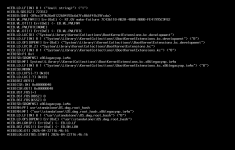
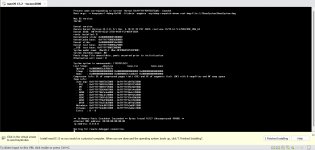
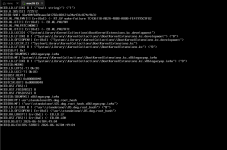
It reboots randomly.
No error, no crash, just reboot for no reason. Sometimes I can work there for dozens of minutes without any problems and sometimes it reboots literally every 3-4 minutes, even when there is no activity there from my end.
I was searching the forums here and I couldn't find any similar problems.
Does anyone of you have any knowledge and experience how to solve this somewhat annoying behavior?
Thank you in advance for any tips