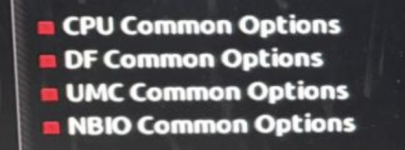
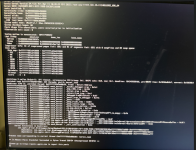
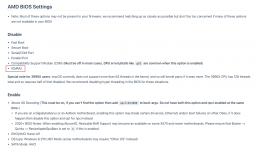
I have a desktop with AMD Ryzen 5600G (no graphics card), Motherboard Gigabyte B450MDS3H V2. Tried the Opencore method to dual boot MacOS & Windows 11 and getting the below kernal panic
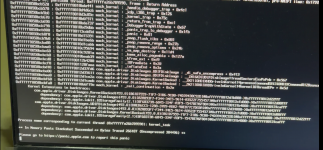
I have also tried the Olarila vanila image dual boot install using youtube video guide (
) but getting the error
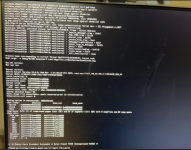
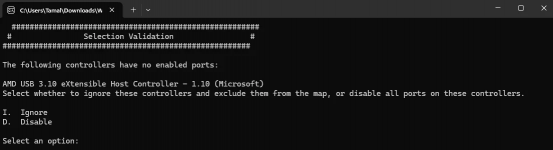
Also, while USB port detection I got this message which I didn't see on any tutorial videos. I've tried both Ignore & Disable options but the result is the same.
Can anyone help ?!
I have also tried the Olarila vanila image dual boot install using youtube video guide (
Also, while USB port detection I got this message which I didn't see on any tutorial videos. I've tried both Ignore & Disable options but the result is the same.
Can anyone help ?!