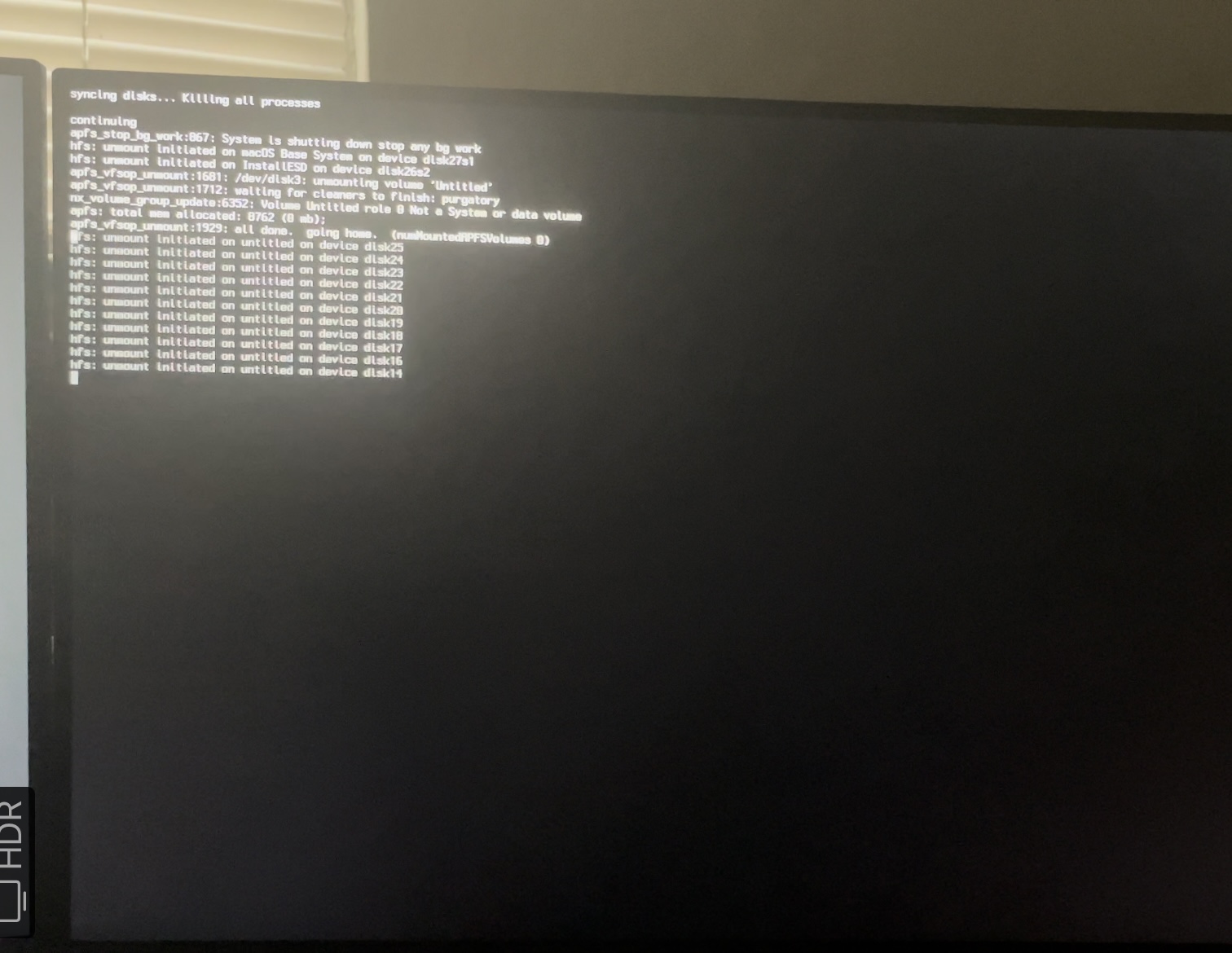
Are you aware that there are issues when running MacOS Monterey and using the Intel I225-V 2.5Gb Ethernet controller.
The kext that worked with the Intel Ethernet controller built in to your motherboard stopped working in MacOS Monterey. There are a few other issues running Monterey but they are mostly MSI board related.
If you are trying to use the Internet Recovery method to install macOS then It is likely that your Ethernet stops working during the installation process. It may be that your WiFi also stops working, even with AirportItlwm.kext in your /EFI/OC/Kexts folder.
The LucyRTL8125Ethernet.kext in your /EFI/OC/Kexts folder is used for 2.5GB Realtek Ethernet controllers, not Intel 2.5GB Ethernet controllers.
For the Intel 2.5GB Ethernet controller you need to use the SmallTreesIntel82576.kext (copy attached) when running macOS Mojave, Catalina or Big Sur.
The SmallTreesIntel82576.kext doesn't work in Monterey, so you need to use the latest beta of AppleIGB.kext (copy attached) for your Intel Ethernet controller to work in Monterey.
Replace the LucyRTL8125Ethernet.kext in your /EFI/OC/Kexts folder and the entry for the kext in your config.plist with whichever kext you need for the version of macOS you want to run.
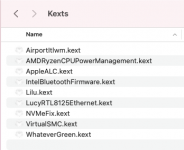
Your /EFI/OC/Kexts folder containingLucyRTL8125Ethernet.kext
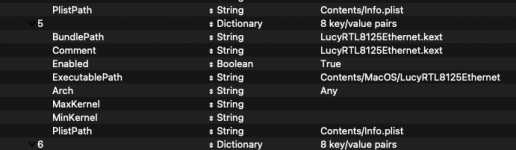
config.plist entry forLucyRTL8125Ethernet.kext, needs to be removed and replaced.
While you are editing your /EFI/OC/Kexts folder and config.plist you should also look at adding AppleMCEReporterDisabler.kext to your setup. As this kext will be helpful when installing MacOS Monterey.
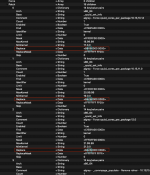
If you have been able to Enable the Above 4G Decode option in your Bios don't worry about this option. Most people have to use the npci=0z2000 boot arg in their config.plist, when they can't find the Above 4G Decode option in their bios.
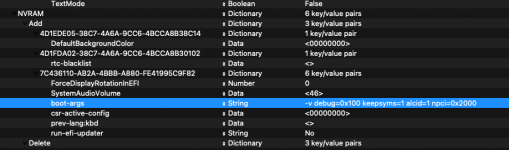
The boot argument would look like the highlighted line in the screenshot above, when added to the other boot-args in your config.plist (when viewed using ProperTree plist editor)
With these changes see if you can get through the macOS installation.