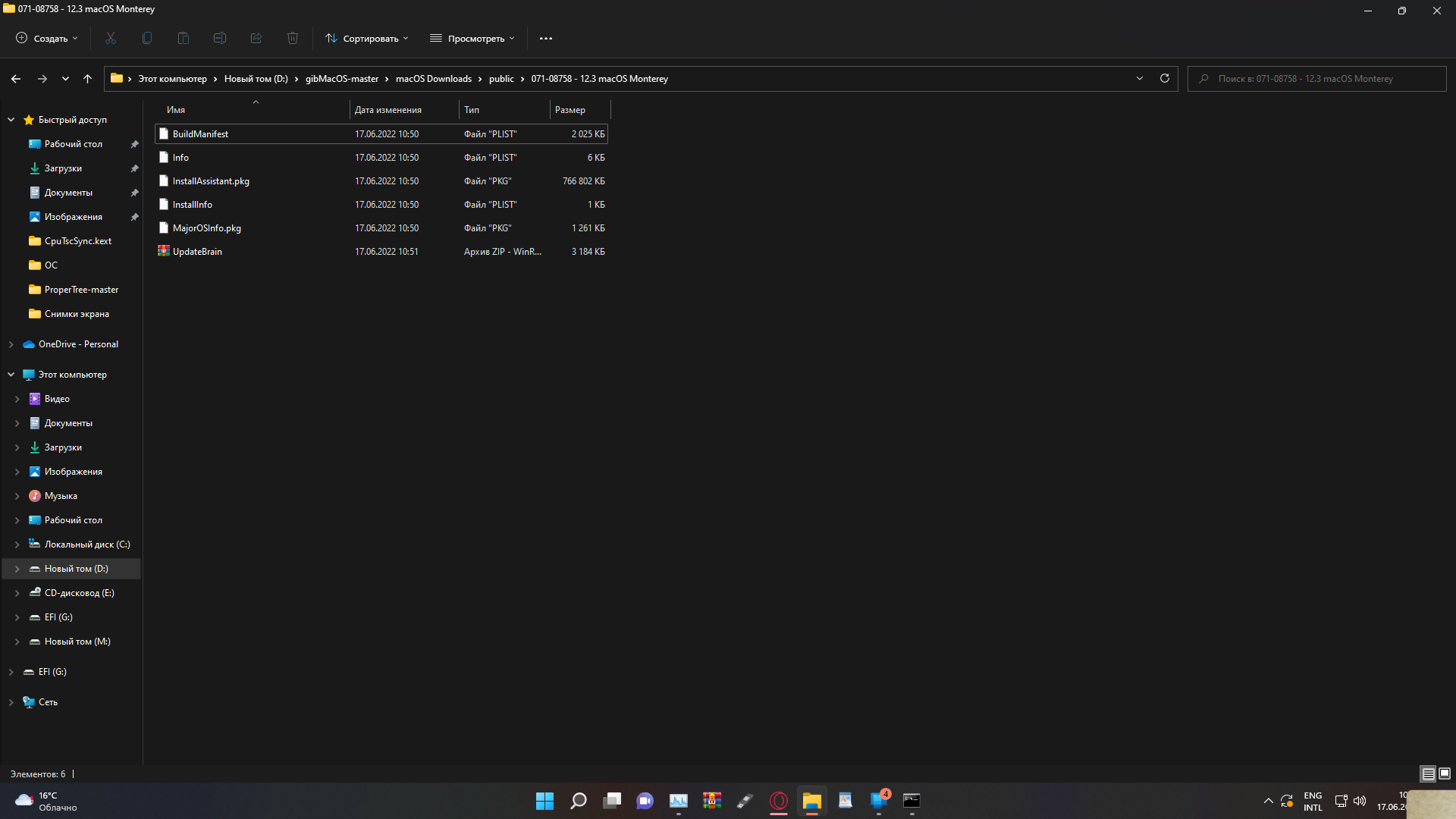
[Log:Exitibs:Start] 2022-06014t21:39:19

Haza

Member
AMD OS X Member
Jun 14, 2022
82
13
8
CPU:
Athlon 3000G
Hi!
I use an open core 0.6.1.
So when trying to install mac os, big sure stops at [Log:Exit is:Start] 2022-06014t21:39:19 and freezes, maybe someone has encountered such a problem?

I'll attach the photos
CPU: Athlon 3000g
RAM: Samsung 3x4 12 gb
Motherboard: Msi b450m pro vfh max
 
Last edited:
I was thinking maybe the problem is in the image of the system ? (I have uploaded the mac os big sure beta version to the disk, which I forgot)
Yes possibly, and beta versions are difficult to run. Maybe should try Big Sur 12.3.
 
I know this program, but I do not know how to burn a flash drive without clover (BDU)
Do you own a real Mac?.
 
Once you have the macOS installer, you can just type this code in Terminal and let it install. (This is for 'Beta' versions, just have to change 'beta.app')
Code:
sudo /Applications/Install\ macOS\ Monterey\ beta.app/Contents/Resources/createinstallmedia --volume /Volumes/USB /Applications/Install\ macOS\ Monterey\ beta.app --nointeraction
 
if there was a mac , I wouldn 't try to install a mac OS on a PC )
@Middleman It can be done on Windows right?, haven't I read about this over on Tonymacx86?.
 
I know this program, but I do not know how to burn a flash drive without clover (BDU)
Use Etcher instead
@Middleman It can be done on Windows right?, haven't I read about this over on Tonymacx86?.
Am not talking about it, as that got me in trouble last time! Official answer is no there is no guide to do it on Windows. But gibMacOs can be used to create a bootable ISO/USB.
 
Use Etcher instead

Am not talking about it, as that got me in trouble last time! Official answer is no there is no guide to do it on Windows. But gibMacOs can be used to create a bootable ISO/USB.
No, we don't want that happening again!.
 
  • Like
Reactions: Middleman
Use Etcher instead

Am not talking about it, as that got me in trouble last time! Official answer is no there is no guide to do it on Windows. But gibMacOs can be used to create a bootable ISO/USB.
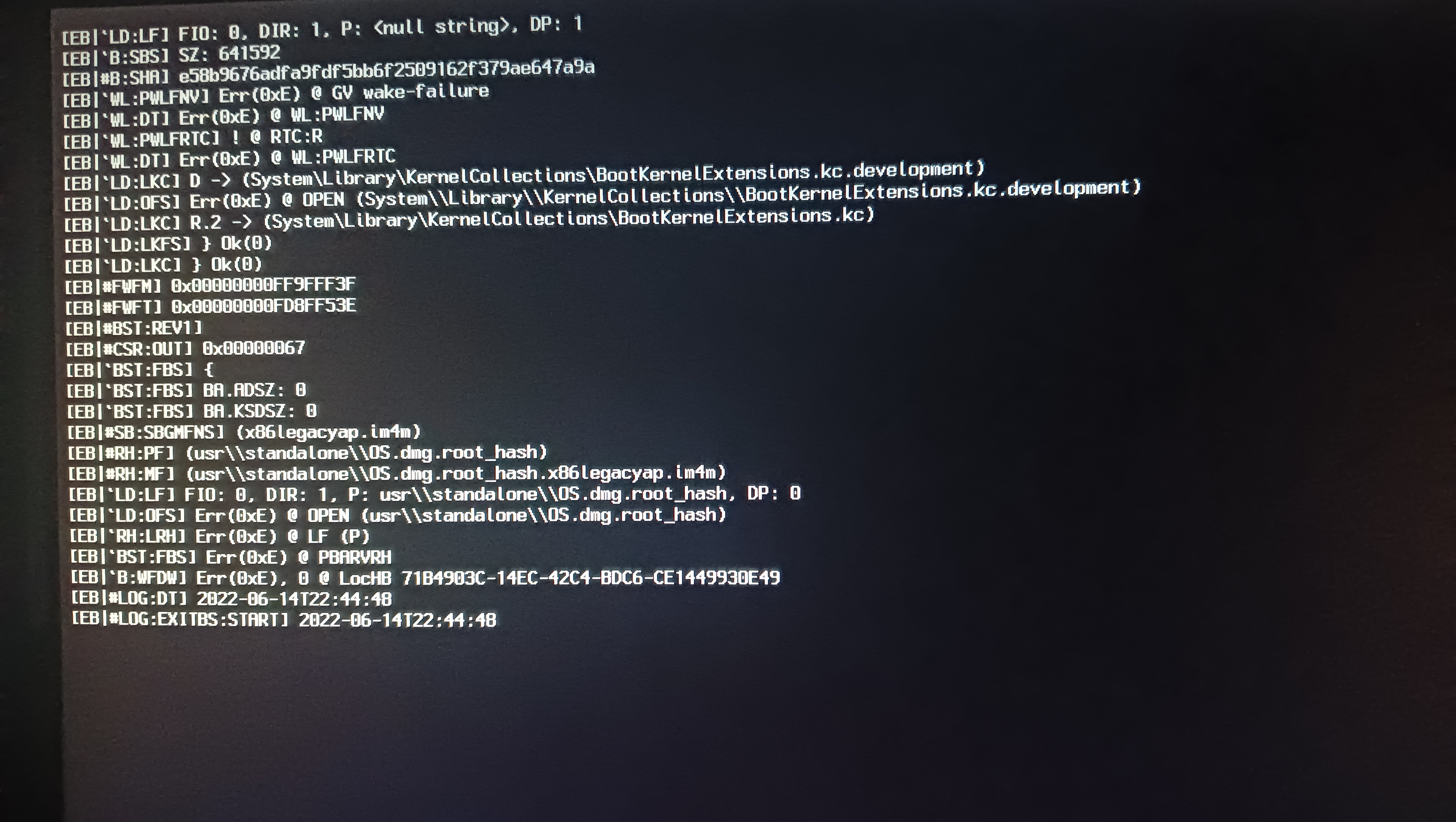
I have a problem here I downloaded monterey
how to write it down ? (Don't pay attention to the Russian language, I'm studying it and took the following measures :D)

 
Btw I almost forgot. You will also need a new EFI build. Try mine here for Monterey 12.4.
But monterey doesn't have a BaseSystem.dmg and chunklist file
Do you have Python?
 
If you have Python installed, inside the Opencore release is a folder called macrecovery. You can use that under Python to download the Basesystem and Chunklist files.
 
New Monterey EFI you need to use >
 

Attachments

If you have Python installed, inside the Opencore release is a folder called macrecovery. You can use that under Python to download the Basesystem and Chunklist files.
I added everything but I couldn't create a flash drive with monterey
 
I added everything but I couldn't create a flash drive with monterey
Did you create the com.apple.recovery.boot folder inside the root directory? And then copied the new EFI folder I uploaded to the drive’s root directory?
 
  AdBlock Detected
Sure, ad-blocking software does a great job at blocking ads, but it also blocks some useful and important features of our website. For the best possible site experience please take a moment to disable your AdBlocker.