Hi All,
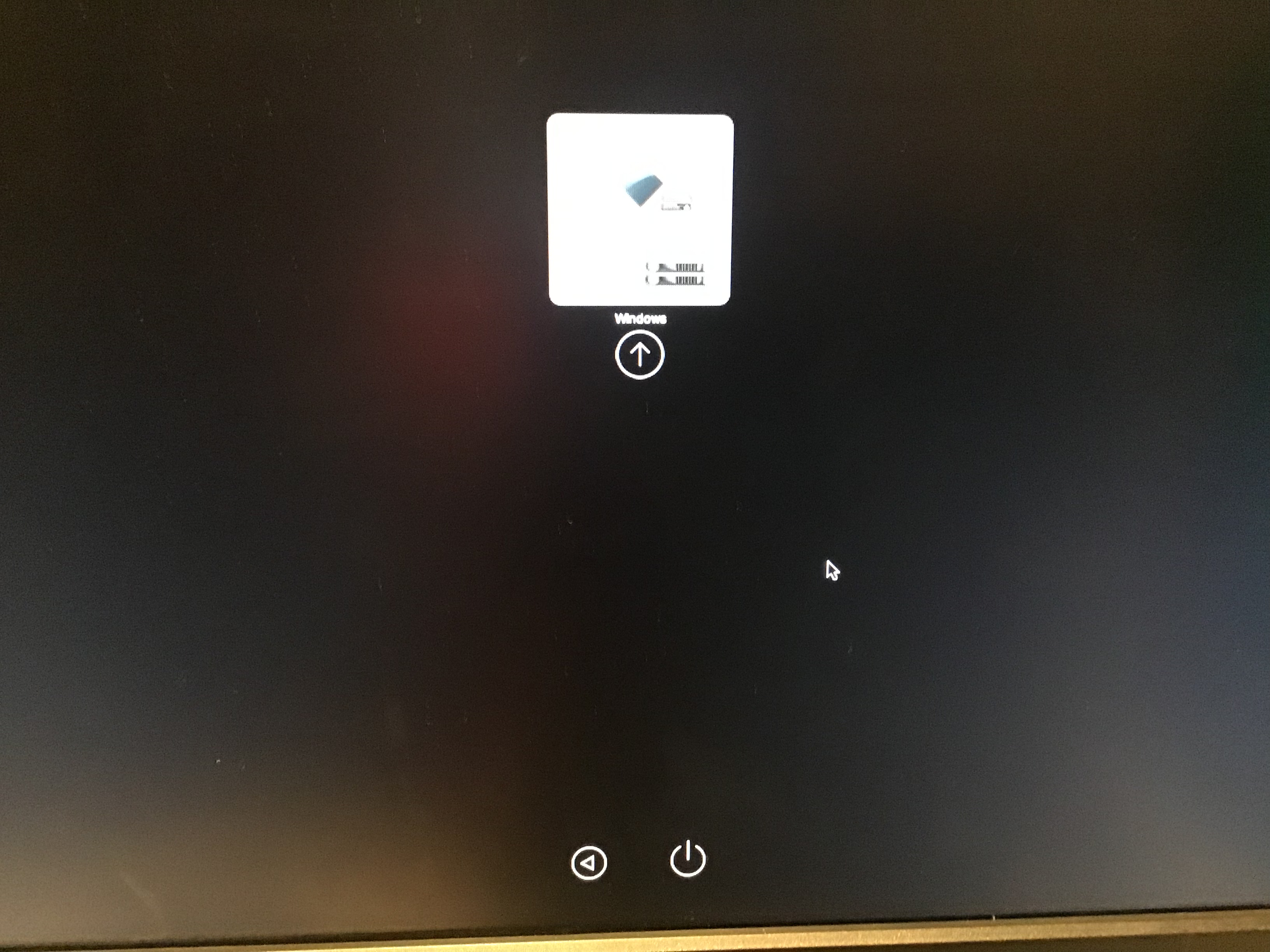
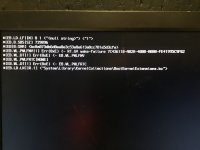
I am following https://dortania.github.io/OpenCore-Install-Guide/ guide to install Big Sur on PC but each time I am receiving error LoadImage failed.
Kindly help me debug.
PC: Asus H310M K R2.0
Processor: Celeron G4930 Coffee Lake
Ram: 8GB
SSD: 120 Internal.
HDD: 1TB Intermal
MB chipset: H310
com.apple.recovery.boot : downloaded from opencore macrecovery
EFI (Using Opencore):
 drive.google.com
ACPI: SSDT-AWAC, SSDT-EC-USBX-DESKTOP, SSDT,PLUG,DRTNIA
drive.google.com
ACPI: SSDT-AWAC, SSDT-EC-USBX-DESKTOP, SSDT,PLUG,DRTNIA
Kext: Lilu, Apple Alc, SMCProcessor, SMCSuperIO, VirtualSMC, WhateverGreen,RealtekRTL8111
Attaching EFI Folder with config.plist for reference.
Still getting issue.
I am following https://dortania.github.io/OpenCore-Install-Guide/ guide to install Big Sur on PC but each time I am receiving error LoadImage failed.
Kindly help me debug.
PC: Asus H310M K R2.0
Processor: Celeron G4930 Coffee Lake
Ram: 8GB
SSD: 120 Internal.
HDD: 1TB Intermal
MB chipset: H310
com.apple.recovery.boot : downloaded from opencore macrecovery
EFI (Using Opencore):
EFI – Google Drive
drive.google.com
Kext: Lilu, Apple Alc, SMCProcessor, SMCSuperIO, VirtualSMC, WhateverGreen,RealtekRTL8111
Attaching EFI Folder with config.plist for reference.
Still getting issue.