Aorus X470 Ultra Gaming - Ethernet Problem Big Sur

whatsmymindhere

New member
AMD OS X Member
Mar 9, 2021
10
0
1
CPU:
Ryzen 5 2600X
I need ethernet kext for Intel I211 for big sur. I tried every smalltree kext's intel mausi and the others. Can you help me ?

AORUS X470 ULTRA GAMING
AMD RYZEN 5 2600X 3.6GHz
HYPERX Predator RGB 8GB 2933MHz CL15 DDR4 Single Kit
 
Thank you for your reply in such a short time. Yes i used. Actually my ethernet kext is defined but at the network connection the light is flashing one red one green. Weird.
 
Does it show in the network preferences? Set to DHCP?
 
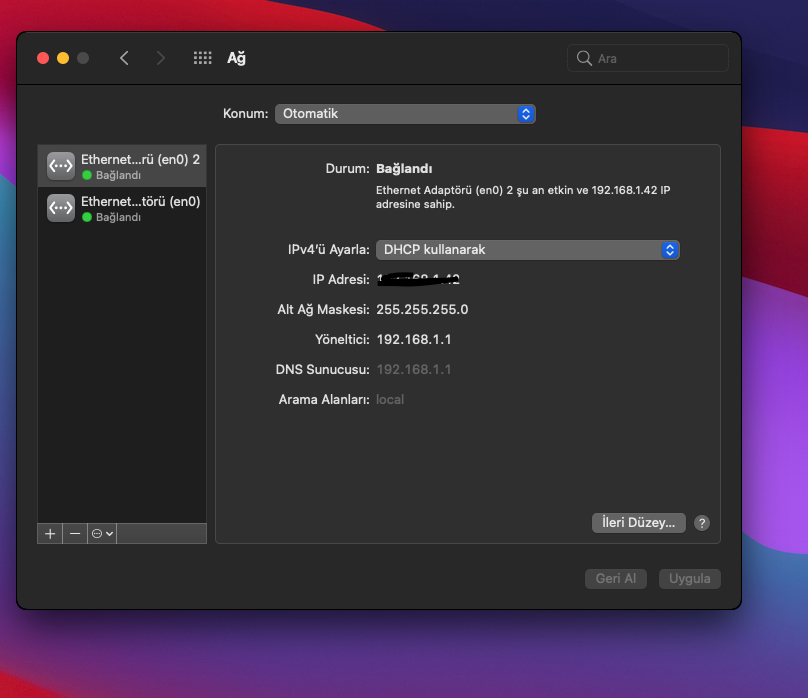
Yes I set before. My IP address dns everything it just keep connected and not connected writes at the status like a said one red one green. The times between 0.5 second
 
I'm assuming it works fine in Windows? It sounds like a loose connection tbh. Check your BIOS settings for "Serial Port" and make sure it's disabled.
 
this is network window video right now. And yes everything’s fine at the windows. Weird thing is. This is my 20-25 turn. Work 2-3 times.
 
Did you use v1.3.0 from the link I sent? You can also try this,
  • System Preferences → Energy Saver → Battery Power: Uncheck “wake for network access”
  • System Preferences → Network → Advance → TCP/IP: Configure IPv6 – select “Link-Local only”
 

It work but idk if I boot again will it work again. But thanks anyway. The solution is I write everything manually. Thank you. Sorry the language is Turkish. But you know what's which place.
 
Glad it's at least working now (y)
 
I boot again, and it’s not work. I told you. Few times work many times not work properly. Where’s the problem don’t get it. Same thing again. Flashing the light red - green / connected - not connected
 
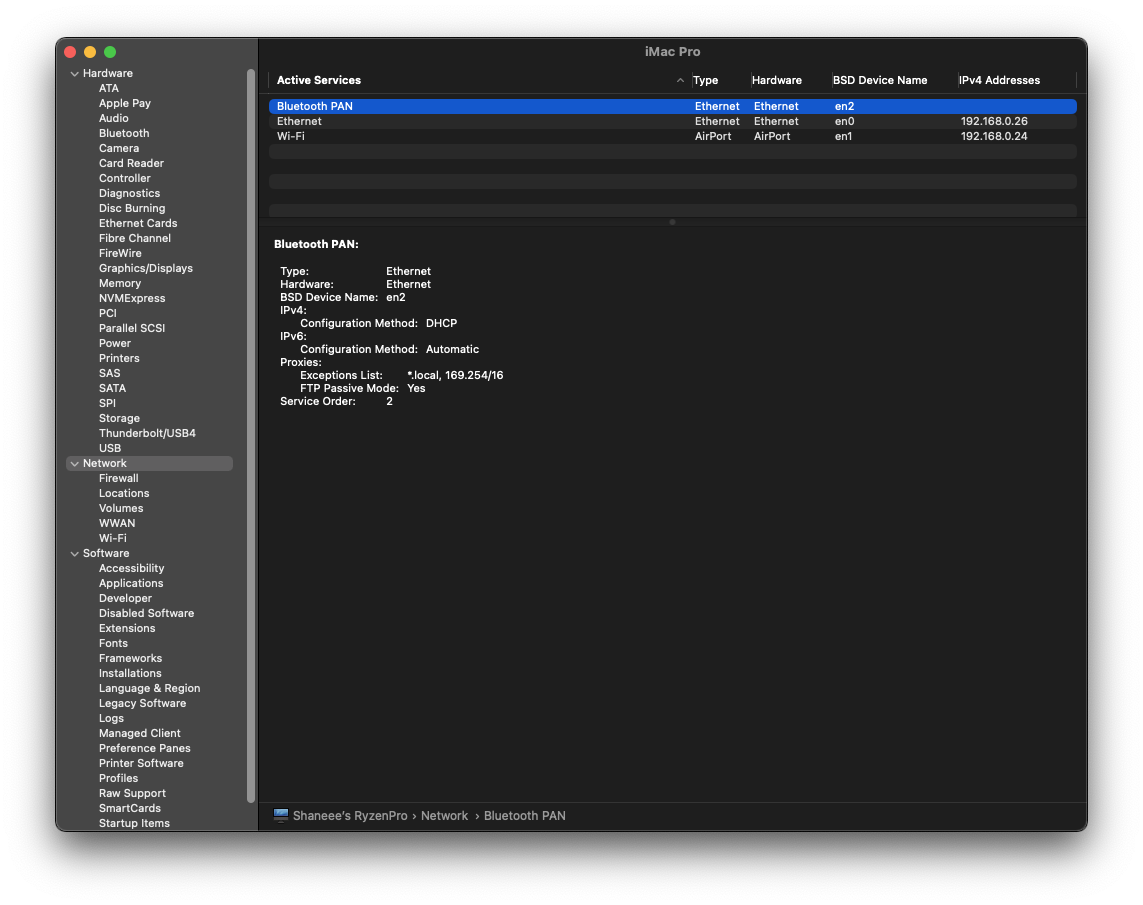
Even when the info is set manually? Try clearing the NVRAM. You can do this from OpenCore. Also is your LAN showing as en0?


Yes it’s en0. I did few times reset nvram. Again same. The hackintosh is not closing normally alerts opened 1 times. It work at the beginning I forgot to say. Somethings block this but idk what it is
 
Hmm ok. Zip and upload your EFI folder for me and I'll take a look there.
 
This is my EFI. Maybe first you should know i didnt introduce my Intel I211 ethernet at the DevicePro... i guess its necessery but you know better than me for sure
 

Attachments

I don't see any issues there. Try resetting the Network Interfaces with these two commands in Terminal,
Bash:
sudo rm /Library/Preferences/SystemConfiguration/NetworkInterfaces.plist
sudo rm /Library/Preferences/SystemConfiguration/preferences.plist
 
Im sorry for keeping you so busy. I found the solution. Its Speed & Duplex at the windows like 100BASE-TX twisted-pair segment. Thank you so much. Btw can you offer to me for Ryzen and my system any kext app like please?
 
  AdBlock Detected
Sure, ad-blocking software does a great job at blocking ads, but it also blocks some useful and important features of our website. For the best possible site experience please take a moment to disable your AdBlocker.