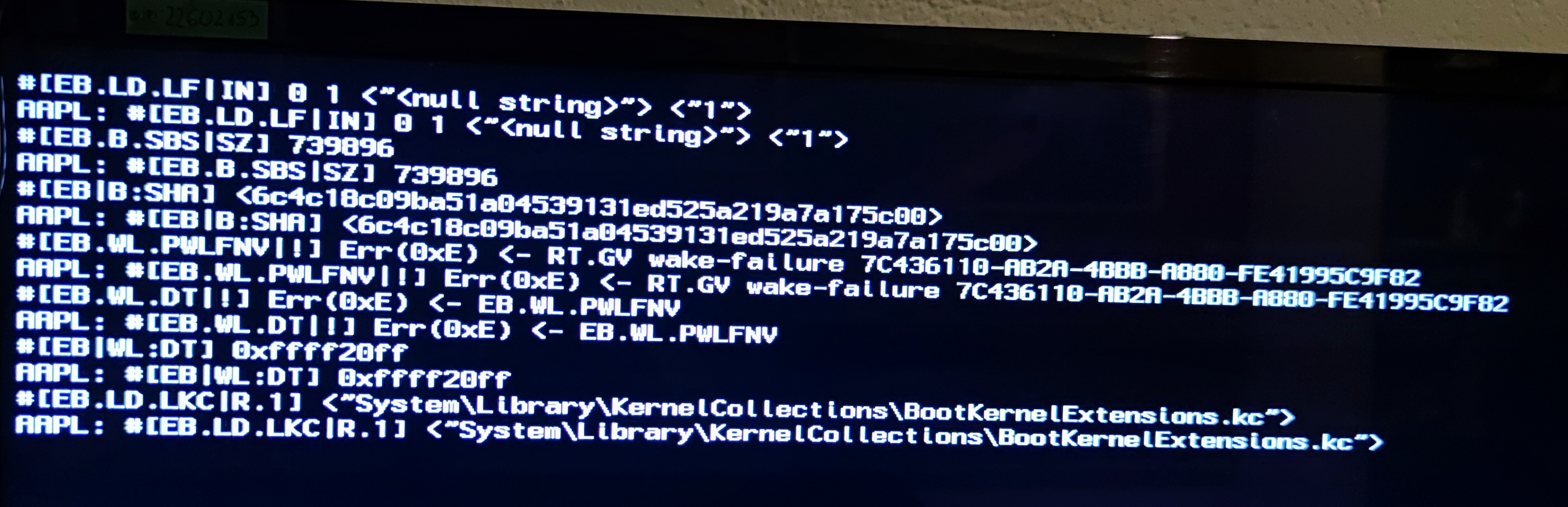
Hello, i tied to install big sur on my pc and followed dortania's guid for configuring efi, but simply can't boot at all, getting black screen.
Specs: Amd Fx8320 3.5 ghz, 8 gb ram, RX580 8 g, mbo ASRock 970 pro 3.
This site uses cookies to help personalise content, tailor your experience and to keep you logged in if you register.
By continuing to use this site, you are consenting to our use of cookies.
Sure, ad-blocking software does a great job at blocking ads, but it also blocks some useful and important features of our website. For the best possible site experience please take a moment to disable your AdBlocker.