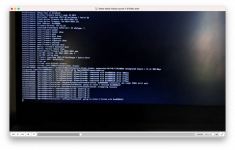
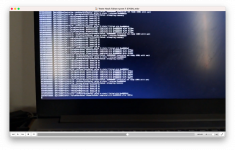
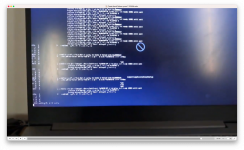
Hello, I'd like some help with my installation. I'm using the Tahoe 26 image; it loads and then gives a kernel panic related to USB. I'm not sure what the best solution is. All USB ports are mapped using USBmap. I don't know if it's because it's a notebook and all three ports recognize both USB 2.0 and 3.0 that's causing the error.
What will be happening is quite common, prohibited sign followed by ‘Still waiting for root device’ error message.
It means the USB port you are using for the macOS installer is being dropped as it isn’t being activated by your USBMap.kext. So you either need to switch the installation drive to another USB port that is being activated or redo your USBMap.kext so it correctly activates all the ports on your laptop.
You might find it easier to install Sequoia, as the USB requirements aren’t as strict as they are for Tahoe. A UTBMap.kext created in Windows will work in Sequoia but not in Tahoe due to changes implemented by Apple when they released Tahoe.
This site uses cookies to help personalise content, tailor your experience and to keep you logged in if you register.
By continuing to use this site, you are consenting to our use of cookies.
Sure, ad-blocking software does a great job at blocking ads, but it also blocks some useful and important features of our website. For the best possible site experience please take a moment to disable your AdBlocker.



 sign followed by ‘Still waiting for root device’ error message.